
A business website is often the first digital interaction a customer has with a company.
Customers expect websites to be fast, easy to use, visually appealing, mobile-friendly, and helpful.
A website that looked modern a few years ago may now feel outdated if it does not meet current customer expectations.
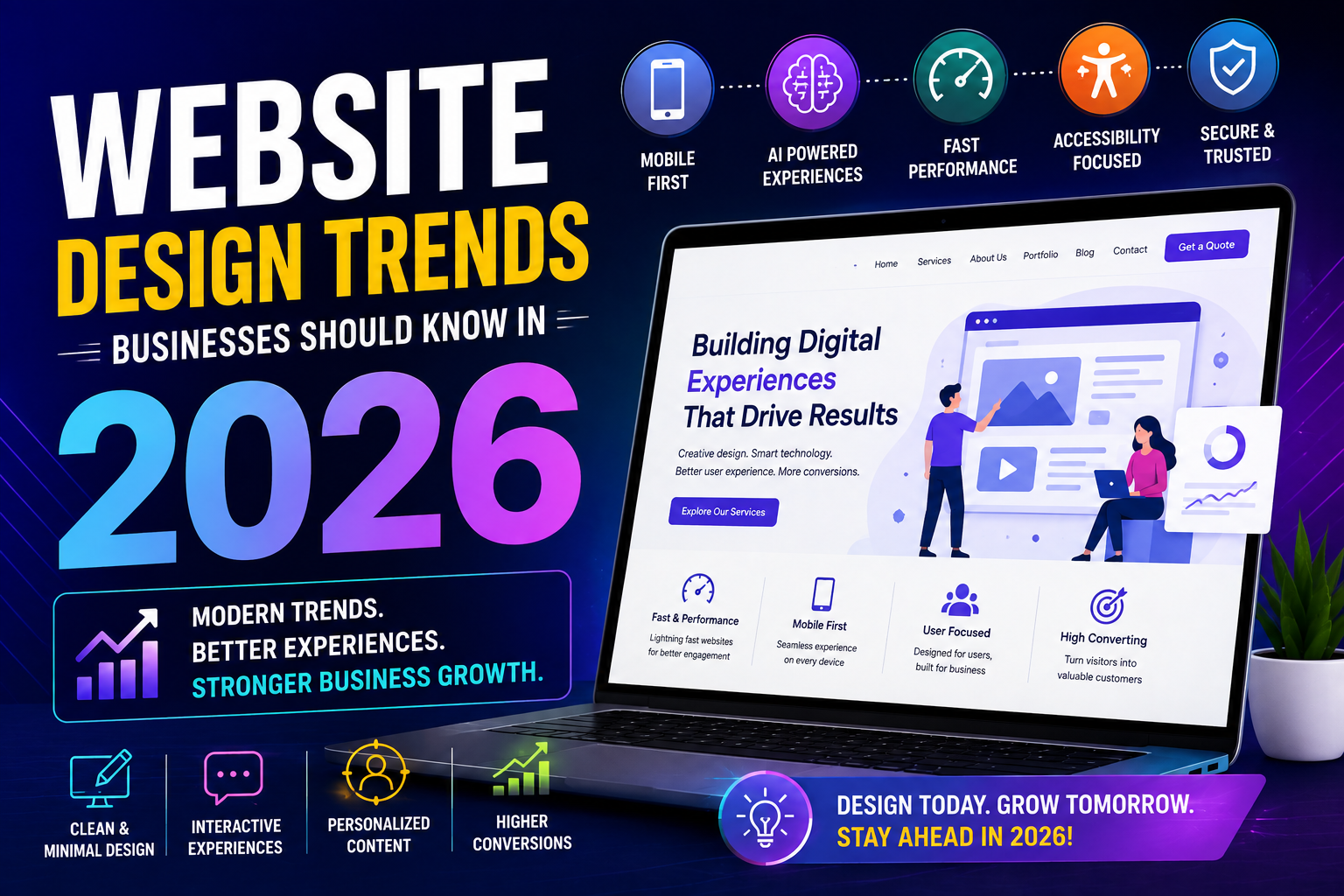
In 2026, website design is moving beyond attractive colours, images, and animations.
Modern website design focuses on:
- User experience
- Performance
- Accessibility
- Mobile usability
- Personalization
- AI
- Security
- Clear communication
- Interactive experiences
- Conversion
Whether you run a startup, local business, professional service company, e-commerce business, or established enterprise, understanding these trends can help you create a website that remains competitive.
What Is Modern Website Design?
Modern website design is not simply about making a website look attractive.
It is about creating an online experience that helps visitors quickly understand your business and take action.
A modern customer journey can look like:
Search → Website → Explore → Understand → Trust → Take Action
Every part of the website should support this journey.
1. AI-Powered Website Experiences
Artificial intelligence is becoming an important part of modern websites.
Businesses can use AI to make websites more interactive and useful.
AI-powered features can include:
- AI chat assistants
- Smart recommendations
- Automated customer support
- AI-powered search
- Personalized content
- Lead qualification
- Product recommendations
- Automated FAQs
- Content assistance
- Appointment support
For example:
Website Visitor → AI Assistant → Question Answered → Relevant Service → Enquiry
AI can help customers find information without requiring them to navigate through multiple pages.
2. Mobile-First Design
Customers increasingly expect websites to work smoothly on smartphones.
A website should not simply be a smaller version of the desktop website.
It should be designed with mobile users in mind.
Important elements include:
- Responsive layouts
- Easy navigation
- Readable text
- Touch-friendly buttons
- Simple forms
- Fast loading
- Optimized images
- Mobile-friendly menus
A simple mobile journey should be:
Open Website → Find Information → Take Action
If customers have to zoom, scroll excessively, or struggle to click buttons, the experience needs improvement.
3. Faster and Performance-Focused Websites
Website visitors don't want to wait for pages to load.
Performance is therefore becoming an important part of website design.
Businesses should pay attention to:
- Image optimization
- Website hosting
- Efficient code
- Browser caching
- Optimized scripts
- Video loading
- Mobile performance
- Page structure
A visually impressive website is not useful if it takes too long to load.
Modern design should balance:
Visual Quality + Functionality + Performance
4. Minimal and Clean Website Layouts
Many modern websites are moving toward cleaner layouts with less visual clutter.
Instead of filling every section with text, images, buttons, and animations, businesses can focus on the most important information.
A clean homepage can follow:
Headline → Value Proposition → Benefits → Trust → CTA
Minimal design can help customers understand the website more quickly.
It does not mean the website needs to be plain.
It means every design element should have a purpose.
5. Interactive Website Experiences
Interactive elements can make websites more engaging.
Businesses can use:
- Interactive product demonstrations
- Calculators
- Quizzes
- Interactive charts
- Before-and-after sliders
- Product configurators
- Scroll-based animations
- Interactive service selectors
For example:
Customer Requirement → Interactive Tool → Recommendation → Enquiry
Interactive features can encourage visitors to spend more time exploring relevant information.
6. Personalized Website Experiences
Customers increasingly expect relevant experiences.
Instead of showing exactly the same content to every visitor, businesses can personalize parts of the website based on customer needs.
Personalization can include:
- Product recommendations
- Location-based information
- Industry-specific content
- Personalized offers
- Customer preferences
- Relevant service suggestions
- Returning visitor experiences
For example:
Visitor Selects Industry → Relevant Services → Relevant Case Studies → Relevant CTA
Personalization can make the website feel more useful to different customer groups.
7. Stronger Focus on Accessibility
Modern websites should be designed so that as many people as possible can use them comfortably.
Important accessibility considerations include:
- Readable typography
- Clear colour contrast
- Keyboard navigation
- Alternative text for meaningful images
- Clear headings
- Accessible forms
- Descriptive links
- Helpful error messages
Accessibility improves usability for everyone.
A website should not create unnecessary barriers for customers trying to access information.
8. More Human and Authentic Content
Customers don't want every business website to sound like a corporate brochure.
Modern websites can use more authentic content to communicate the people and personality behind the business.
This can include:
- Real team photographs
- Customer stories
- Behind-the-scenes content
- Project photographs
- Founder stories
- Video introductions
- Customer testimonials
- Real business experiences
For example:
Meet the Team → Understand the Business → Build Trust → Contact
Authentic content can help businesses create a stronger connection with visitors.
9. Video and Short-Form Visual Content
Visual content can help explain complex products and services quickly.
Businesses can use:
- Product videos
- Service demonstrations
- Explainer videos
- Customer testimonials
- Short videos
- Company introductions
- Tutorials
For example:
Product Page → Short Demo Video → Understand Product → Buy / Enquire
Videos should be optimized so that they do not negatively affect website performance.
10. Conversion-Focused Design
A modern business website should not only look good.
It should help the business achieve its goals.
These goals could include:
- Generate leads
- Increase enquiries
- Sell products
- Book appointments
- Generate demo requests
- Encourage calls
- Increase newsletter sign-ups
- Drive downloads
A conversion-focused page can follow:
Problem → Solution → Benefits → Proof → CTA
Every important page should have a clear purpose.
11. Smarter Navigation and Search
As websites become larger, customers need better ways to find information.
Businesses can improve navigation through:
- Simple menus
- Search functionality
- Clear categories
- Breadcrumbs
- Filters
- Service groupings
- Relevant internal links
For example:
Search → Product → Details → Compare → Enquire
This is particularly useful for e-commerce websites, software companies, educational platforms, and businesses with many services.
12. Micro-Interactions and Subtle Animations
Small animations can make a website feel more responsive.
Examples include:
- Button hover effects
- Loading indicators
- Smooth transitions
- Animated icons
- Progress indicators
- Scroll effects
- Form feedback
These elements can improve the experience when used carefully.
The key is not to add animation everywhere.
Animations should support usability rather than distract visitors.
13. Trust-Focused Design
Website design is also about building customer confidence.
Businesses can place trust signals throughout the customer journey.
These can include:
- Customer reviews
- Testimonials
- Case studies
- Certifications
- Awards
- Client logos where permitted
- Security information
- Business address
- Contact details
- Previous work
For example:
Service → Results → Customer Testimonial → Contact
Trust should be visible before the customer is asked to take an important action.
14. Better Forms and Lead Capture
Website forms are becoming more focused on reducing friction.
Instead of asking customers to complete long forms, businesses can collect essential information first.
For example:
Name → Phone → Email → Requirement → Submit
Businesses can also use:
- Multi-step forms
- Appointment booking
- Click-to-call
- Chatbots
- Demo requests
The goal is to make contacting a business as easy as possible.
15. Voice and Conversational Search Considerations
Customers are using different ways to search for information, including conversational queries.
Businesses should create content that clearly answers common customer questions.
For example:
"Which website design is best for a small business?"
"How much does website development cost?"
"How can I generate leads through my website?"
Clear FAQs, helpful articles, and natural-language content can make information easier for customers to find.
16. Dark Mode and Flexible Viewing Experiences
Some websites provide users with different viewing preferences.
Depending on the website and audience, businesses may consider:
- Dark mode
- Light mode
- Adjustable text size
- Responsive layouts
- Device-specific experiences
The goal is to provide a comfortable browsing experience across different environments and devices.
17. Stronger Website Security
Website design should also consider security.
Customers need confidence when they submit personal information, make payments, or create accounts.
Businesses should pay attention to:
- HTTPS
- Secure forms
- Software updates
- Strong authentication
- Secure payment systems
- Data protection
- Backup systems
- Access controls
Security is not simply a technical requirement.
It is also part of the customer experience.
18. Sustainable and Efficient Web Design
Website efficiency can also become part of modern digital practices.
Businesses can reduce unnecessary website resources through:
- Optimized images
- Efficient code
- Reduced unnecessary scripts
- Compressed assets
- Efficient hosting
- Optimized videos
A more efficient website can improve performance while reducing unnecessary resource usage.
19. First-Party Data and Privacy-Focused Experiences
Customers are increasingly aware of how their information is collected and used.
Websites should communicate clearly about:
- Privacy policies
- Cookie usage
- Data collection
- Contact information
- Account information
- Marketing preferences
Businesses should collect information responsibly and provide customers with clear explanations where appropriate.
Trust is an important part of long-term digital relationships.
20. Websites Designed for Continuous Improvement
A website should not be treated as a project that ends after launch.
Businesses should continuously review:
- Website traffic
- Conversion rates
- Page performance
- Customer behaviour
- Mobile experience
- Search performance
- Form submissions
- Customer feedback
- Popular content
- Technical performance
For example:
Analytics → Identify Problem → Improve Design → Test → Measure Results
This approach allows businesses to keep improving their website based on real customer behaviour.
How to Choose the Right Website Trends for Your Business
Not every trend needs to be added to every website.
A business should first understand its customers and objectives.
For example:
E-commerce Business
Focus on:
Mobile Experience + Personalization + Product Search + Fast Checkout
B2B Business
Focus on:
Lead Generation + Case Studies + AI + CRM Integration + Trust
Local Business
Focus on:
Mobile Design + Local SEO + Reviews + WhatsApp + Easy Contact
Professional Services
Focus on:
Clear Content + Trust + Case Studies + Booking + Lead Forms
The best website is not the one with the most features.
It is the one with the right features for its customers.
Website Design in 2026: What Businesses Should Focus On
The most important shift is that website design is becoming more customer-focused.
Businesses should think beyond:
"Does our website look good?"
Instead, ask:
"Can customers find what they need?"
"Can they understand our offering quickly?"
"Can they trust our business?"
"Can they contact us easily?"
"Does the website work well on mobile?"
"Does it help us achieve our business goals?"
These questions are more valuable than simply following every design trend.
A Modern Website Experience
A strong website experience can look like:
Search
↓
Fast Website
↓
Clear Message
↓
Relevant Content
↓
Personalized Experience
↓
Trust Signals
↓
Clear CTA
↓
Enquiry / Purchase
↓
Customer Support
This creates a connected experience from the first visit to the final interaction.
Conclusion
Website design in 2026 is about much more than colours, fonts, images, and animations.
Modern businesses need websites that are:
- Fast
- Mobile-friendly
- Accessible
- Easy to navigate
- Secure
- Interactive
- Personalized
- AI-enabled where useful
- Conversion-focused
- Customer-centric
The right design trends can help businesses improve customer experience, strengthen their online presence, generate more leads, and stay competitive.
However, businesses should not add a feature simply because it is trending.
The best approach is:
Understand Your Customers → Choose the Right Features → Build → Measure → Improve
In 2026, successful website design is not about creating the most complicated website.
It is about creating a website that makes every customer interaction simple, useful, and valuable.