
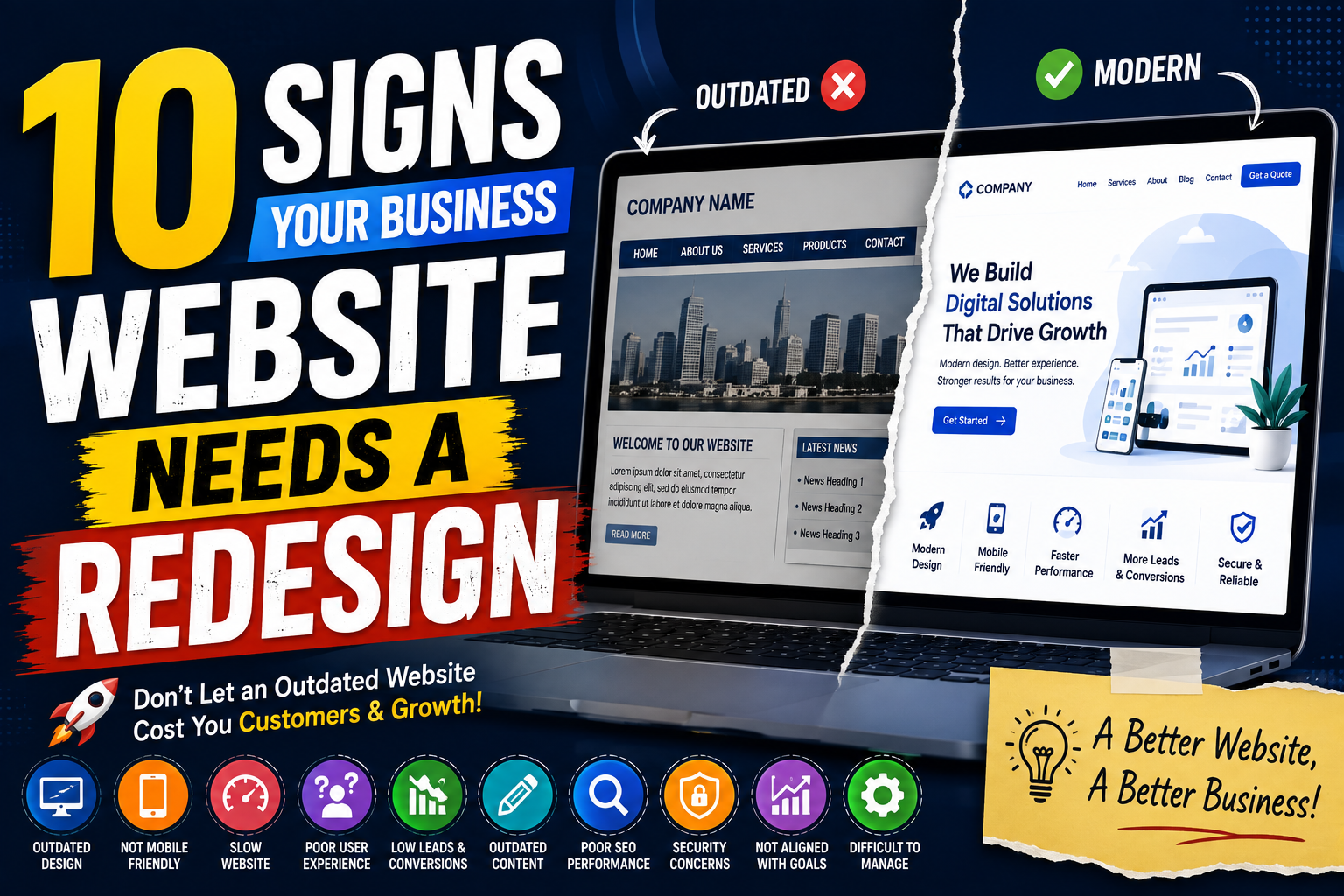
Your business website is often the first place potential customers go to learn about your company.
It represents your brand, services, products, and overall digital presence.
But websites can become outdated over time.
Design trends change. Customer expectations change. Technology changes. Search engines change. Even your own business may have changed since the website was originally created.
A website that worked well several years ago may no longer provide the experience customers expect today.
This does not always mean you need to completely rebuild your website.
However, if your website shows several warning signs, it may be time to consider a redesign.
A modern business website should be:
- Fast
- Mobile-friendly
- Easy to navigate
- Secure
- Visually professional
- Search-friendly
- Customer-focused
- Easy to update
- Conversion-focused
- Aligned with your business goals
Here are 10 signs that your business website may need a redesign.
1. Your Website Looks Outdated
One of the most obvious signs is an old-fashioned visual design.
Website design trends and customer expectations continue to evolve.
If your website still looks like it was designed many years ago, visitors may assume that your business is also outdated.
Common signs include:
- Old visual styles
- Cluttered layouts
- Outdated fonts
- Low-quality images
- Excessive text
- Inconsistent design
- Old navigation styles
- Poor use of white space
A modern website should have a clean and professional appearance that reflects your current brand.
For example:
Old Design → Cluttered Experience
Modern Design → Clear Layout → Better First Impression
Your website does not need to follow every trend.
It should simply look current, professional, and relevant to your customers.
2. Your Website Is Not Mobile-Friendly
If your website does not work properly on smartphones, it may be losing potential customers.
Visitors should be able to browse your website comfortably on:
- Smartphones
- Tablets
- Laptops
- Desktop computers
A mobile-friendly website should have:
- Responsive design
- Readable text
- Easy navigation
- Touch-friendly buttons
- Simple forms
- Optimized images
- Easy contact options
If customers have to zoom in, scroll sideways, or struggle to click buttons, your website needs improvement.
A good customer journey should be:
Mobile Search → Website → Information → Contact
3. Your Website Loads Slowly
Website speed has a direct impact on user experience.
Customers don't want to wait several seconds for every page to load.
A slow website can be caused by:
- Large images
- Poor hosting
- Unoptimized code
- Too many plugins
- Excessive scripts
- Large videos
- Poor database performance
- Outdated technology
If your website is consistently slow, a redesign can provide an opportunity to improve its technical foundation.
The objective should be:
Click → Fast Loading → Information → Action
A faster website creates a smoother experience for visitors.
4. Visitors Can't Find Information Easily
A website may contain all the necessary information but still provide a poor experience if customers cannot find it.
Visitors should be able to quickly locate:
- Products
- Services
- Pricing
- Contact information
- About the company
- FAQs
- Support information
- Location
- Business hours
- Important resources
If customers regularly have to search through several pages to find basic information, your website structure may need to be redesigned.
A simple navigation structure could be:
Home → Services → Service Details → Contact
Good navigation helps visitors move through the website without confusion.
5. Your Website Is Not Generating Enough Leads
A website should support your business goals.
If your website receives visitors but generates very few enquiries, it may have conversion problems.
For example:
5,000 Visitors → 20 Enquiries
The problem could be:
- Weak calls-to-action
- Complicated forms
- Poor messaging
- Lack of trust signals
- Unclear services
- Poor landing pages
- Difficult navigation
A redesign can focus on improving the customer journey.
For example:
Visitor → Service Page → Benefits → Testimonial → CTA → Enquiry
The objective is to make it easier for interested visitors to become leads.
6. Your Branding Has Changed
Businesses evolve.
You may have:
- Changed your logo
- Updated your brand colours
- Added new services
- Expanded into new markets
- Changed your target audience
- Updated your company positioning
But your website may still show the old version of your business.
This can create inconsistency.
For example:
New Branding → Social Media → Marketing Materials
but:
Old Branding → Website
A redesign can bring your website in line with your current brand identity.
Your logo, colours, fonts, images, messaging, and overall visual identity should work together.
7. Your Website Is Difficult to Update
A website should not require complicated technical work every time you want to make a simple change.
If your team struggles to:
- Update text
- Add blog posts
- Change images
- Update services
- Add products
- Change contact information
- Publish announcements
then the website's underlying system may be outdated or difficult to manage.
A redesign can introduce a more manageable content system.
This can make it easier for your team to keep the website current.
8. Your Website Does Not Reflect Your Current Services
Your business may have changed significantly since your website was created.
Perhaps you now offer:
- New services
- New products
- New packages
- New locations
- New technologies
- New customer solutions
But if these changes are not clearly represented on your website, potential customers may not know about them.
For example:
Business Offers 10 Services
but the website shows:
Only 4 Services
This can result in missed opportunities.
A redesign can help reorganize your website around your current business offerings.
9. Your Website Has Poor User Experience
A website can look attractive and still be difficult to use.
Poor user experience may include:
- Confusing navigation
- Too many pop-ups
- Difficult forms
- Broken links
- Unclear buttons
- Excessive animations
- Poor page structure
- Difficult checkout
- Missing information
- Inconsistent layouts
The customer should not have to figure out how your website works.
The website should guide them naturally.
For example:
Discover → Explore → Understand → Trust → Contact
If customers repeatedly get stuck somewhere in this journey, that area should be improved.
10. Your Website No Longer Supports Your Business Goals
This may be the most important sign of all.
Your business website should have a purpose.
That purpose could be:
- Generate leads
- Sell products
- Book appointments
- Generate enquiries
- Showcase projects
- Provide customer support
- Build brand awareness
- Promote services
- Generate demo requests
- Provide information
If your website no longer supports these objectives, a redesign may be necessary.
For example:
Business Goal: Generate Leads
but:
Website: No Clear CTA + No Lead Form + No Conversion Strategy
The website and business strategy should work together.
How to Know If You Really Need a Redesign
Not every outdated-looking website needs a complete rebuild.
Start by evaluating your current website.
Ask:
Design
Does the website look professional and represent your current brand?
Mobile
Does it work properly on smartphones?
Performance
Does it load quickly?
Navigation
Can visitors find important information easily?
Content
Is the information accurate and up to date?
Conversion
Can visitors easily contact your business?
SEO
Can potential customers find your website through search?
Security
Is the website properly maintained and protected?
Business Goals
Does the website support what your business needs today?
If several answers are no, it may be time for a redesign.
Website Redesign vs Website Update
A redesign does not always mean starting from zero.
Sometimes a website only needs targeted improvements.
For example:
Small Improvements
Update Images → Improve Content → Fix Navigation → Add CTA
Larger Redesign
New Structure → New Design → New Technology → Mobile Optimization → SEO → Conversion Strategy
The right approach depends on the current condition of your website and your business objectives.
What Should a Modern Website Redesign Include?
A modern redesign can focus on:
- Responsive design
- Improved navigation
- Faster loading
- Clear messaging
- Better typography
- Modern visual design
- Strong calls-to-action
- Simple enquiry forms
- SEO improvements
- Security
- Analytics
- Accessibility
- CRM integration
- AI-powered features where useful
- Easy content management
The objective is not simply to make the website look newer.
It should work better for your customers and your business.
A Simple Website Redesign Process
A successful redesign can follow these steps:
Step 1: Analyze the Existing Website
Identify:
Problems → Weak Pages → Performance Issues → Conversion Problems
Step 2: Understand Your Customers
Determine:
Who visits → What they need → What questions they ask → What action they should take
Step 3: Plan the Structure
Create:
Navigation → Pages → Content → Customer Journey
Step 4: Redesign the Experience
Improve:
Layout → Typography → Images → Mobile → Navigation
Step 5: Improve Performance
Optimize:
Images → Code → Hosting → Scripts → Mobile Performance
Step 6: Add Conversion Elements
Include:
CTA → Forms → WhatsApp → Phone → Booking
Step 7: Test Before Launch
Check:
- Mobile devices
- Desktop browsers
- Forms
- Links
- Page speed
- Navigation
- SEO elements
- Security
Step 8: Measure After Launch
Track:
Traffic → Engagement → Leads → Conversions
A redesign should be measured by results, not just appearance.
When Should You Redesign Your Website?
There is no universal timeline that says every business must redesign its website after a specific number of years.
Instead, look at performance and customer needs.
Consider a redesign when:
Your Business Changes
↓
Customer Expectations Change
↓
Technology Changes
↓
Website Performance Declines
↓
Conversions Decrease
↓
Website Redesign
This approach is more useful than redesigning simply because the website has reached a certain age.
Conclusion
Your business website should grow alongside your business.
If your website looks outdated, performs poorly, is difficult to use, or no longer supports your business goals, it may be time to rethink the experience.
The key signs include:
- Outdated design
- Poor mobile experience
- Slow loading
- Difficult navigation
- Low lead generation
- Outdated branding
- Difficult content management
- Missing current services
- Poor user experience
- Misalignment with business goals
A website redesign should not be about following every new design trend.
It should be about creating a website that is:
Modern → Fast → Useful → Accessible → Trustworthy → Conversion-focused
Your website is an important part of your digital presence.
If it no longer represents your business or meets your customers' expectations, a redesign can help turn it into a stronger digital asset for your business.